In the modern digital landscape, the ability to produce high-quality, on-brand visual content is no longer a luxury—it is a baseline requirement for relevance. Yet, for solopreneurs, small business owners, and lean creative teams, the traditional barriers to entry remain high. Hiring professional designers is often cost-prohibitive, and mastering complex suites like Adobe Creative Cloud requires a significant investment of time that most business leaders cannot afford.
Enter Claude Design, Anthropic’s sophisticated layout and front-end design engine. Unlike the image generators that have dominated the AI discourse, Claude Design represents a fundamental shift in how we approach composition, branding, and workflow automation.
What Is Claude Design?
To understand Claude Design, one must first dispense with the popular misconception that it is a generative image tool. It does not create surreal landscapes or photorealistic portraits from text prompts. Instead, it functions as a digital architect.
Think of Claude Design as the AI equivalent of Adobe InDesign or a high-end web development environment. Its primary utility lies in the intelligent arrangement of visual elements—typography, color palettes, whitespace, and structural hierarchy—that transform raw information into a polished, professional deliverable.
While generative AI tools like Midjourney excel at creating individual assets, they often struggle with the "glue" that holds a brand together: the consistent application of a design system. Claude Design fills this void. It serves as an on-demand front-end designer capable of producing everything from slide decks and PDFs to complex website mockups and functional HTML components. By clicking the "design" button within the claude.ai interface, users can access a platform that is currently evolving rapidly within Anthropic’s labs, moving beyond its early, resource-constrained iterations into a fully integrated, credit-based ecosystem.
Building a Robust Design System
The core value proposition of Claude Design is the "Design System"—a standardized operating procedure for your brand’s visual identity. For many, this sounds like a familiar concept, akin to a "brand kit" in Canva. However, Claude Design elevates this concept from a static file repository to a dynamic, portable framework.
The Portability of Code
A design system in Claude Design is stored as a Markdown file, typically titled design.md. This is a critical distinction. Because the system is defined in code, it is platform-agnostic. Whether you are using Claude Design, Claude Code, or an entirely different future AI tool, your brand identity remains consistent and transferable. You are not locked into a proprietary ecosystem; you own the "logic" of your brand.
The Setup Process
Building a design system is an investment of roughly 10 to 15 minutes that pays dividends for months. Users begin by uploading foundational materials: logos, color swatches, website screenshots, and existing marketing collateral.
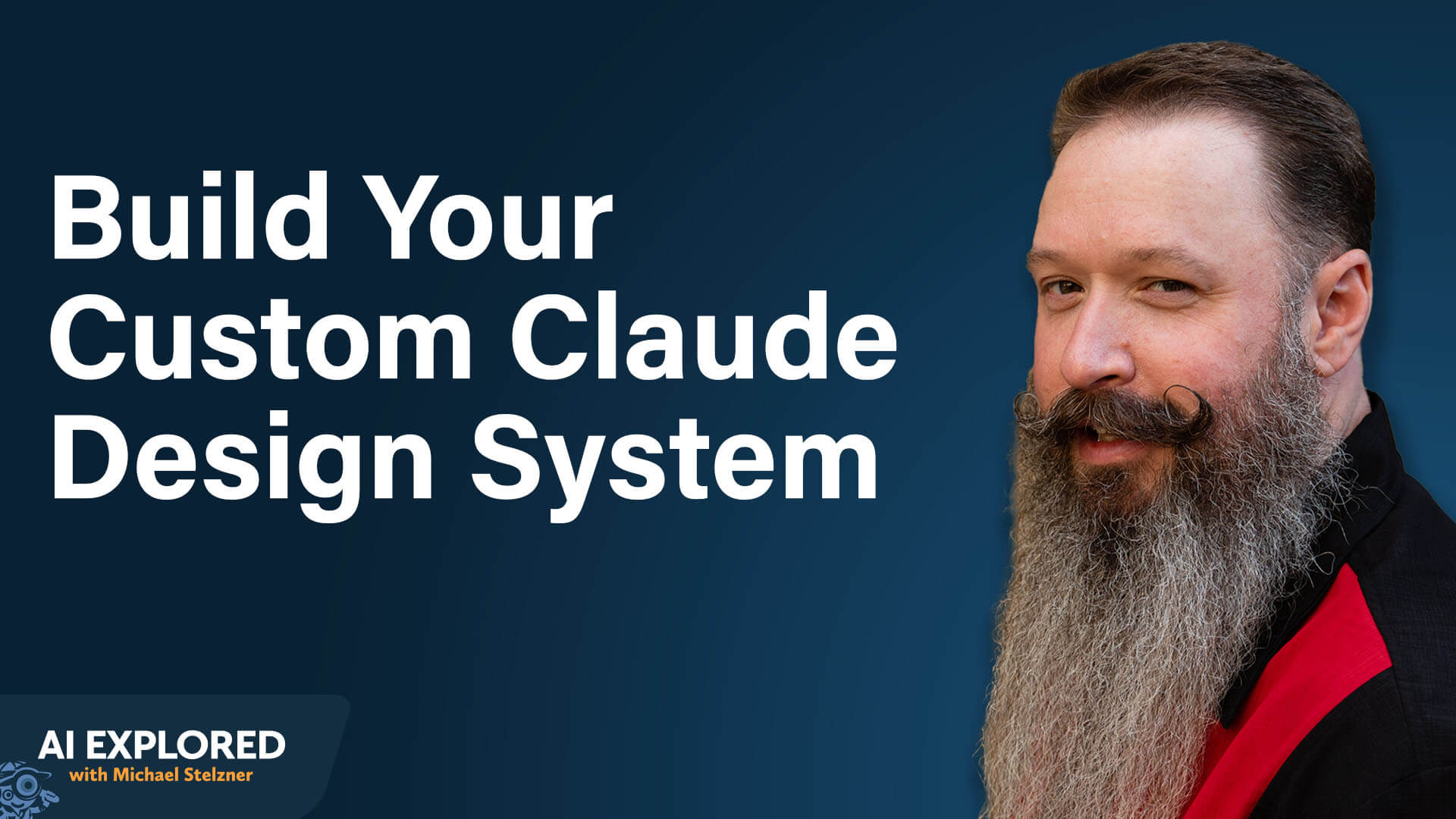
Jeff Sieh, a veteran creator, advises against relying on "one-click" presets during this phase. Instead, utilizing voice-to-text tools like Wispr Flow allows for a more nuanced, conversational setup. By speaking your brand’s aesthetic goals—for instance, describing a specific era like "1950s Googie architecture"—you provide the AI with the context necessary to apply stylistic rules consistently. Providing a website URL is also recommended, as the tool can scrape existing content to interpret not just your visual style, but your brand’s linguistic tone.
Interaction and Workflow: The New Creative Standard
The most efficient way to work with Claude Design is through natural language. When you ask the system to "increase the whitespace between the headline and body text" or "apply a darker color palette for a high-end look," you are interacting with a designer, not just a software interface.
Iterative Design at Scale
One of the most effective strategies for users is the "multi-option" request. Rather than asking for a single design, users can prompt the tool to generate five distinct versions of a landing page or deck simultaneously. This allows for rapid A/B testing and selection, with subsequent refinements handled through direct click-and-drag editing—a process that is notably credit-efficient, as manual tweaks do not consume usage limits.
Utilizing Skills and Templates
Claude Design thrives on "Skills"—reusable instruction sets that modify how the AI operates. For example, a creator can implement an "anti-AI slop" skill. This ensures that the generated text avoids common AI tropes such as excessive hyphenation, robotic phrasing, or unnecessary emojis.
Furthermore, the platform offers a suite of templates ranging from mobile UI mockups and HTML emails to 3D object rendering. The true power emerges when these templates are paired with your custom design system. Suddenly, any template—whether it’s a standard resume or a complex wireframe—inherits your brand’s specific fonts, colors, and stylistic personality.
Implications: Automating the Content Engine
The ultimate promise of Claude Design is the automation of repetitive, time-consuming tasks. For creators, this translates to the ability to scale output without scaling the team.
Automated Podcast Workflows
Take, for example, the production of a podcast cheat sheet. What once required hours of manual layout work can now be fully automated. The system reads the episode transcript, extracts key insights, formats them according to the brand’s design system, generates a thumbnail, and publishes the document to a website—all without human intervention after the initial setup.
The Carousel System
Perhaps the most impressive application is the "Carousel Automation System." By analyzing a transcript, the AI can identify segments that fit a "hook, build, payoff, call-to-action" structure. It generates dual prompts for image creation (optimized for Midjourney or ChatGPT), embeds the brand’s specific hex codes, and, once the images are generated, uses a Python script to assemble them into a cohesive, branded carousel ready for LinkedIn or Instagram.

Software Mockups and Animation
For software teams, Claude Design has become a vital tool in the pre-development phase. Mocking up features in Claude Design allows stakeholders to visualize the user interface and catch design flaws before a single line of production code is written.
Beyond static layouts, the tool offers advanced animation capabilities. By generating vector-based animations that render in code, Claude Design allows for high-end motion graphics that are lightweight and highly performant, eliminating the bloated file sizes associated with traditional video exports.
Strategic Outlook
The integration of Claude Design into the broader AI ecosystem—specifically its ability to export to platforms like Gamma for slide generation or to bridge with ChatCut for video editing—signals a shift toward a more unified, "AI-native" production pipeline.
As Anthropic continues to refine these tools, the gap between a vision in a creator’s head and a high-fidelity visual asset is closing. The implication for the industry is profound: the "designer" is becoming an editor and curator, rather than a manual pixel-pusher.
For those looking to leverage this technology, the path forward is clear:
- Define your system: Spend the time to build a robust
design.mdfile. - Prioritize portability: Ensure your brand identity is defined in code, not just in specific tool-based settings.
- Automate the repetitive: Identify the tasks that consume the most time—like carousel creation or show notes—and build the workflows to handle them.
In an era where attention is the scarcest resource, Claude Design provides the tools to ensure that when you capture that attention, the visual experience is consistently, unmistakably, and professionally your own. Whether you are a solo entrepreneur or part of a larger enterprise, the barrier to "professional-grade" is no longer money or training; it is the willingness to rethink how you build.